
Tastik makes every list feel made for the job.
Create private, local-first lists with checkboxes, counters, totals, Kanban boards, mixed item types, tags, widgets, shortcuts, and Smart Add. No account required.
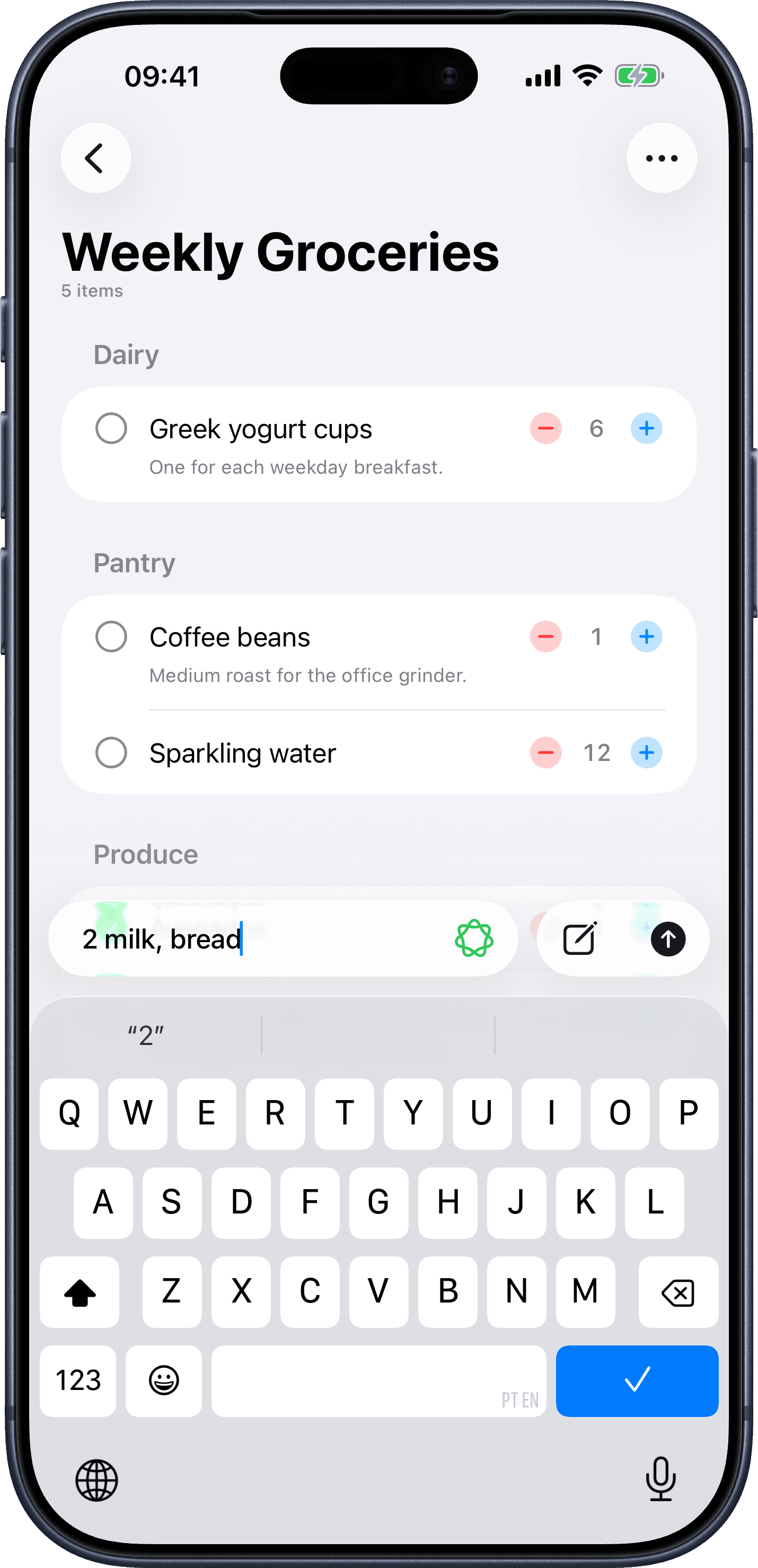
One app. Every kind of list.
Most list apps give you one tool. Tastik gives every list the right shape — so groceries feel like groceries, budgets feel like budgets, and projects move forward.
Simple
Tap to check items off. Great for packing lists, errands, and quick to-dos.
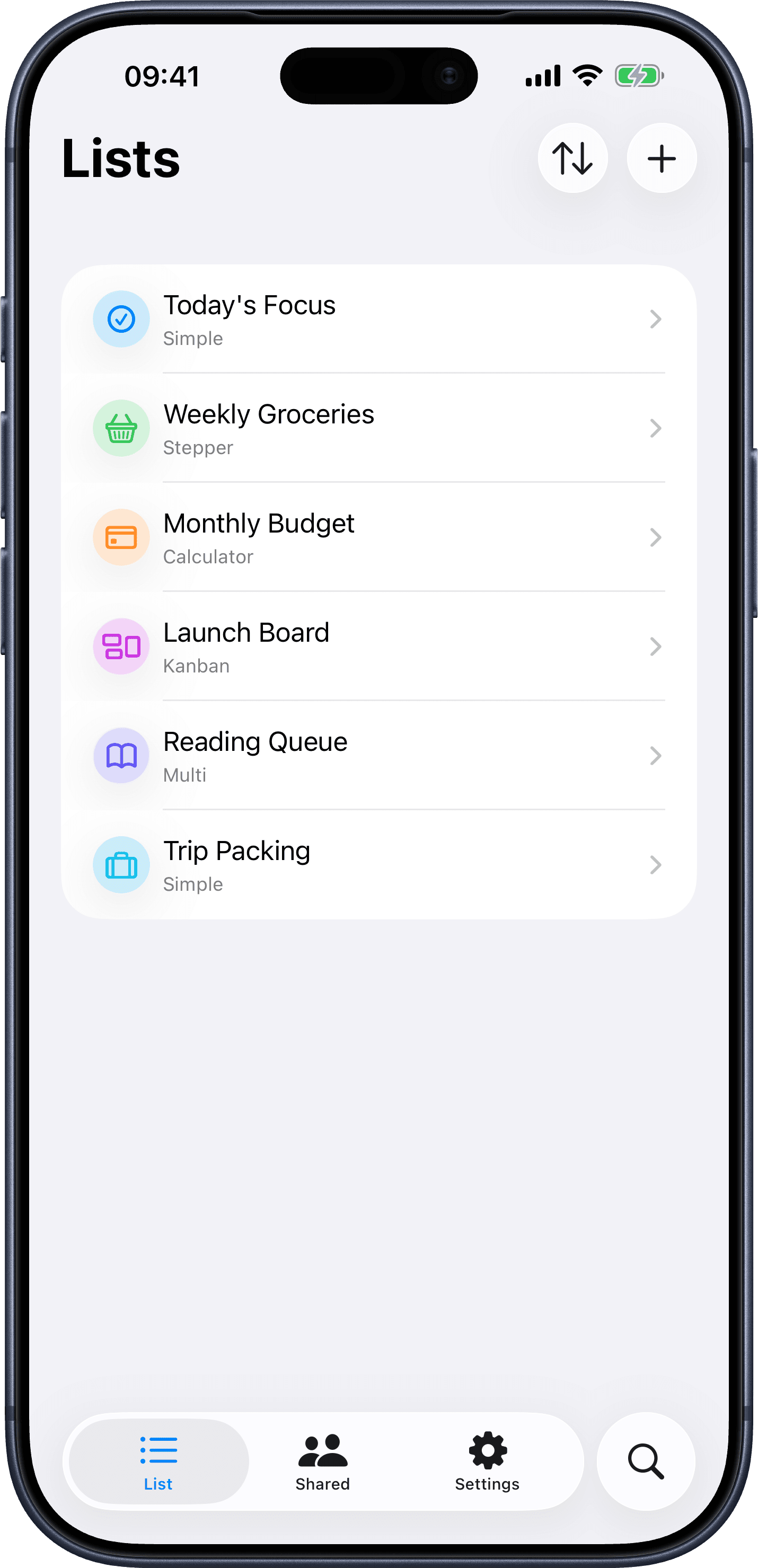
Stepper
Track quantities with plus and minus controls. Ideal for groceries and routines.
Calculator
Add and subtract values with a running total. Perfect for budgets, bills, and expenses.
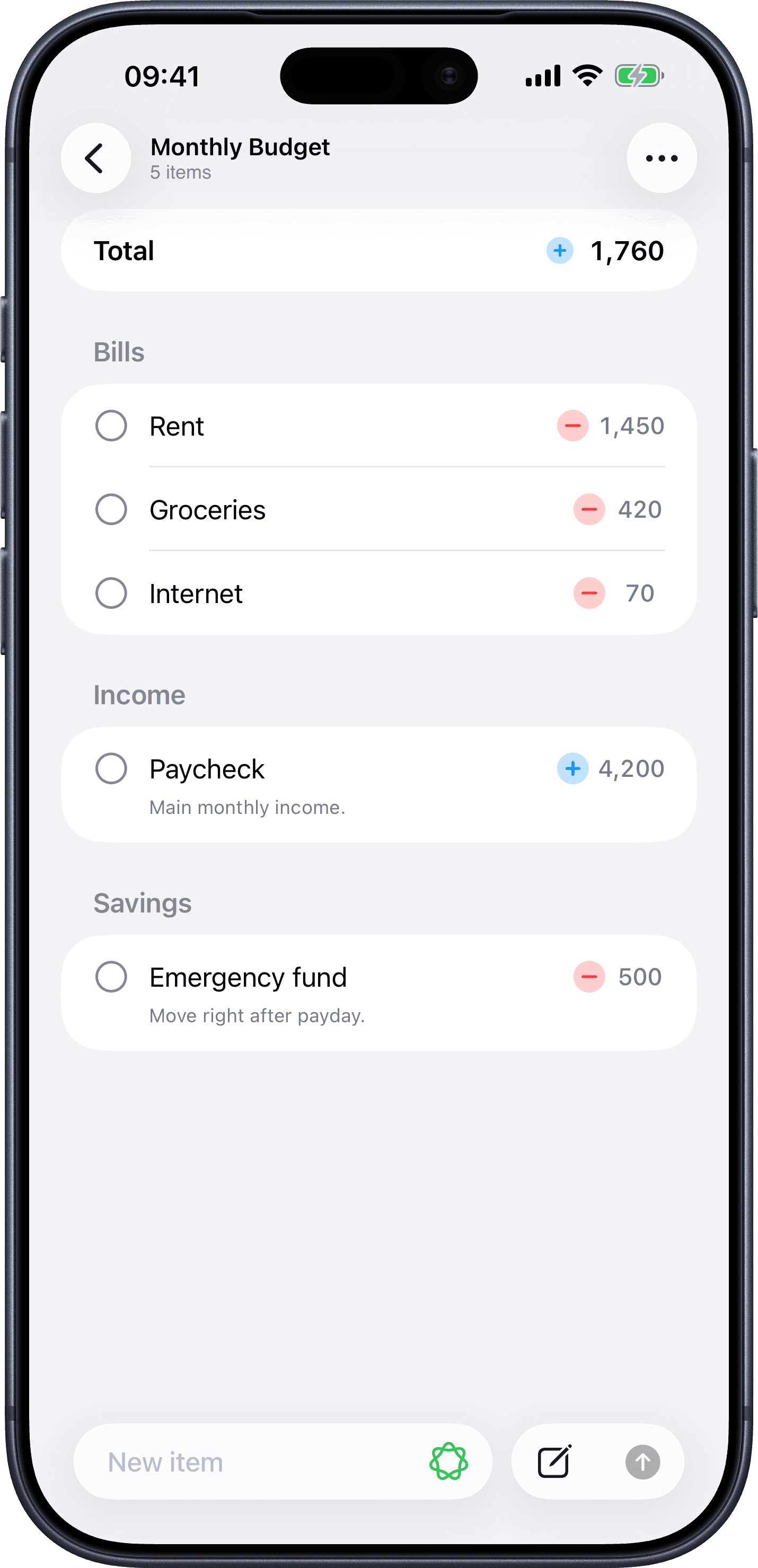
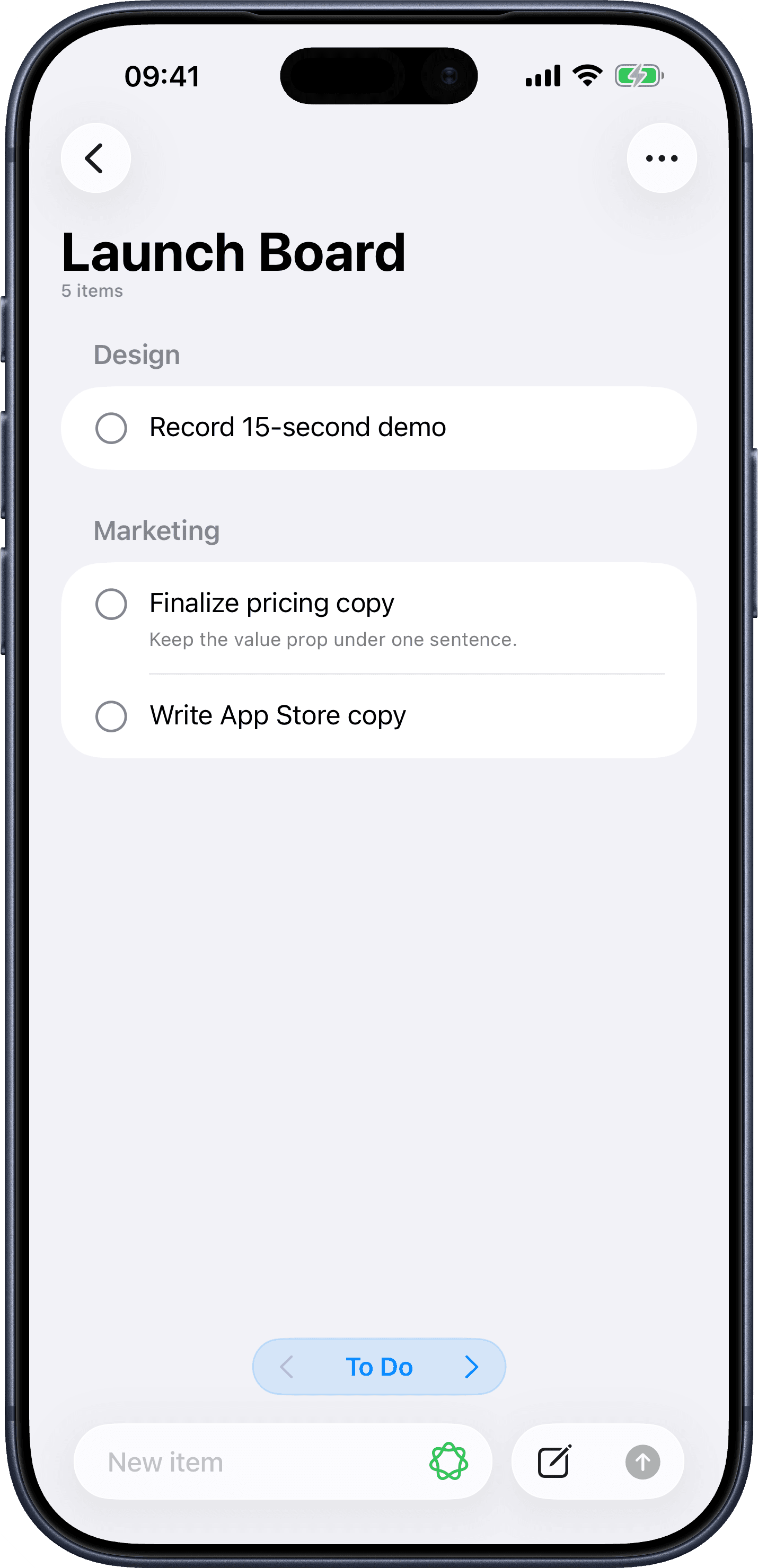
Kanban
Move items through To Do, In Progress, and Done. Built for projects and pipelines.
Multi
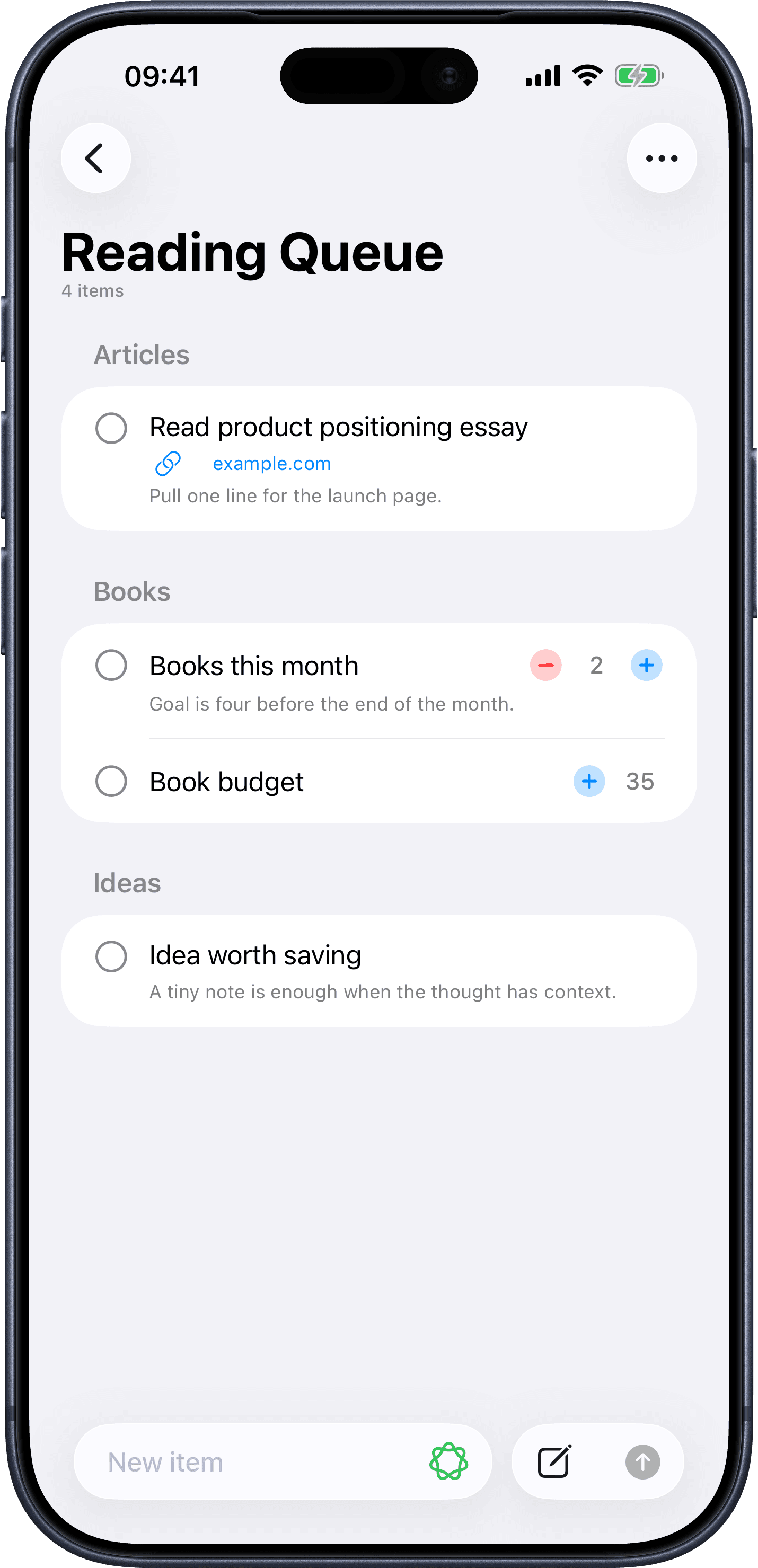
Mix item types in one list. Keep links, counts, notes, tasks, and amounts side by side.
Turn a messy note into tidy items.
On supported Apple Intelligence devices, Smart Add splits useful items out of natural language, preserves notes, matches existing tags, and keeps new Kanban items in To Do — so you can think out loud and ship a clean list.
- Write naturally — Smart Add does the parsing
- Preserves notes alongside extracted items
- Matches your existing tags automatically
- Always optional. Normal quick add stays put.
Your lists. On your device.
Tastik was designed to be private from the start. It does not require an account, does not ask you to sign in, and does not store list content on Tastik servers. Lists live locally on your device and can sync through your personal iCloud account when enabled.
Read the full privacy policyStart fast. Customize everything.
Pick a practical template, then change anything: list type, icon, color, tags, and starter items. It's your list — Tastik just gives it a head start.
Your lists, one tap away.
Keep important lists close with Home Screen and Lock Screen widgets. Open a list, jump straight to quick add, complete items, advance Kanban status, adjust stepper values, and use App Shortcuts for fast capture.
Powerful when you need it. Quiet when you don't.
One purchase. Yours forever.
Tastik Pro unlocks all current and future Pro features with a one-time purchase. No subscription. Restore anytime.
Free
Get startedEverything you need to keep simple lists, free forever.
- 3 active lists
- 100 total items
- Simple and Stepper lists
- 3 tags per list
Tastik Pro
One-time purchaseNo subscription · Restore anytime
- Unlimited active lists
- Unlimited items
- Starter list templates
- Calculator, Kanban, and Multi lists
- Unlimited tags
- Share and export lists
- Custom icons and colors
Lists that fit the way you actually work.
Download Tastik on iPhone. No account, no setup screens — just open the app and start your first list.